
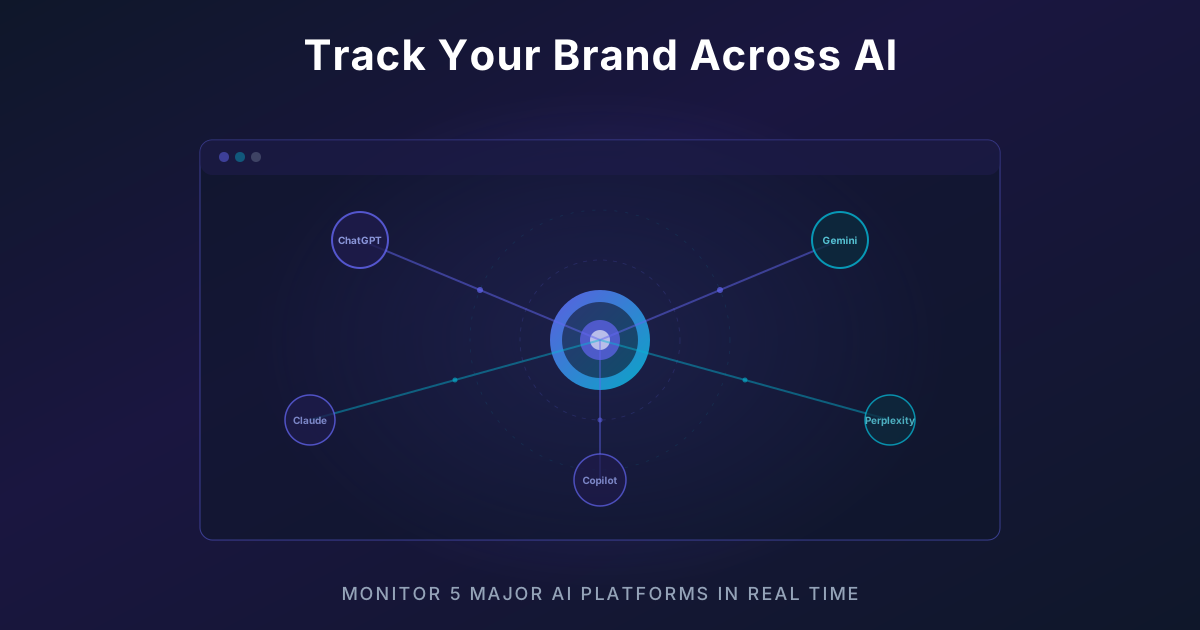
Why You Need to Track AI Mentions
Every day, millions of users ask AI chatbots questions like:
- "What's the best CRM for small businesses?"
- "Recommend a good HVAC company in Austin TX"
- "What project management tools do you suggest?"
If AI isn't mentioning your brand in these conversations, you're missing a massive - and growing - discovery channel.
The 5 AI Platforms You Should Track
1. ChatGPT (OpenAI)
The most popular AI chatbot with 200M+ weekly users. ChatGPT is where most buying-decision conversations happen.
2. Perplexity AI
An AI-powered search engine that provides sourced answers with citations. Increasingly used for product research.
3. Claude (Anthropic)
Known for detailed, nuanced responses. Popular among professionals and enterprises for research and recommendations.
4. Google Gemini
Google's AI integrated into Search and Workspace. With deep integration across Google's surfaces, visibility here is critical.
5. Grok (xAI)
Built into X (Twitter), Grok has real-time data and a growing user base. Important for brands with social media presence.
Step-by-Step: Setting Up Brand Tracking
Step 1: Define Your Tracking Queries
Think about what your customers actually ask AI. Create queries like:
- "[Category] in [location]" - *"Best dentist in Chicago"*
- "Recommend a [product type]" - *"Recommend a project management tool"*
- "[Your brand] vs [competitor]" - *"Notion vs Monday.com"*
- "Review of [your brand]" - *"Is Livesov worth it?"*
Pro tip: Start with 10-15 queries that match real customer intent.
Step 2: Run Queries Across All Platforms
You can do this manually (slow and tedious) or use a tool like Livesov to automate it.
For each query on each platform, record:
- ✓ Was your brand mentioned?
- What was the sentiment? (positive/neutral/negative)
- Were competitors mentioned instead?
- What exact words did the AI use to describe you?
Step 3: Calculate Your Share of Voice
Share of Voice (SOV) = (Queries where you're mentioned / Total queries) × 100
Example:
- You track 20 queries across 5 platforms = 100 total checks
- Your brand is mentioned in 35 of them
- Your SOV = 35%
Step 4: Analyze by Platform
Break down your SOV by platform to find gaps:
| Platform | Mentioned | Total | SOV |
|---|---|---|---|
| ChatGPT | 12 | 20 | 60% |
| Perplexity | 10 | 20 | 50% |
| Claude | 8 | 20 | 40% |
| Gemini | 5 | 20 | 25% |
| Grok | 0 | 20 | 0% |
This tells you exactly where to focus your optimization efforts.
Step 5: Set Up Automated Tracking
Manual checking doesn't scale. Set up daily automated tracking to:
- Catch changes quickly - AI models update frequently
- Build trend data - See if your visibility is improving
- Get alerts - Know immediately when something changes
- Generate reports - Export proof for clients or stakeholders
What to Do With the Data
Once you're tracking, focus on:
- Low SOV platforms - Optimize for platforms where you're missing
- Negative sentiment - Fix misinformation quickly
- Competitor gaps - Find queries where competitors appear but you don't
- Proof collection - Save AI responses as evidence for clients
Get Started Today
The sooner you start tracking, the sooner you can improve. Sign up for Livesov and get your first AI visibility report in under 2 minutes.